Neck Care for People Who Work From the Sofa
Quick Answer: Raise the laptop screen closer to eye level, put a firm cushion behind your lower back, keep your elbows close to your body with an external keyboard and mouse, and change position every 20 to 30 minutes. Fix the setup first; support products come second.
Working from the sofa feels easy at first. You sit down on the cushion, open up your laptop, and get to work on your email. Before long, your shoulders round forward, your screen is down below eye level, and your neck remains bent toward the keyboard.
That relaxing position can cause a stiff neck and tired shoulders by the afternoon. Sitting on the sofa can cause neck strain due to the lack of back support provided by soft cushions, the low position of laptop screens, and the continuous forward head position. Using the right screen height, back support, and movement breaks can make sofa work easier on your neck.
There's no need to hold a strict posture all day. Reducing how long your neck stays bent is usually more useful than chasing a perfect position. This guide outlines sitting positions, positioning for the laptop, gentle movements, and recovery habits for use with a sofa that may make working from home more comfortable.
Why the Sofa Is Harder on Your Neck Than a Desk
A sofa is designed for relaxation, not extended computer work. The soft seat and deep cushions make it easy to go into positions that require additional load on your neck and shoulders. The problem is usually not one position, but staying in it too long.
The Laptop Is Usually Positioned Too Low
If you rest your laptop on your lap, the screen will sit below eye level. You drop your chin toward your chest to read, which keeps your neck in prolonged flexion. The smaller the screen, the more you'll lean forward for a closer look. OSHA's computer workstation guidance recommends keeping the top of the screen at or slightly below eye level and about 20 to 40 inches from your eyes, which a laptop resting on your lap cannot achieve.
Soft Cushions Let the Back Round
Soft sofa cushions will let hips sink and lower back round. Your upper body can lean forward as your back becomes unsupported. Your neck then readjusts so that your eyes can maintain their focus on the screen.
The Head Moves Forward and Down
Forward head posture occurs when the head is positioned in front of the shoulders. This posture may demand more use from the neck and upper back muscles, particularly if prolonged. Screen-related posture habits can contribute to neck strain over time. Understanding how to fix tech neck can help you recognize these habits and make practical changes to your daily routine.
Arms Often Lack Support
Sofa armrests are rarely at the right height for typing. You might lift your shoulders, extend your arms forward, or push your elbows out from your side without help. These are habits that can lead to shoulder and upper-back fatigue.
Long Sofa Sessions Add Static Load
Even a comfortable posture can become tiring when you remain still. Cleveland Clinic notes that staying in one position for more than about 20 minutes can bring aches, and chiropractor Andrew Bang, DC, sums it up: “The best posture is a moving posture.
How to Sit on the Sofa to Protect Your Neck

The ideal sofa posture is one that you can adopt easily and comfortably at a variety of different times during the day. Aim to support your body, have the screen visible, but do not place your back in a fixed position.
Sit Back With Lower-Back Support
Get a small firm cushion or a rolled-up towel to put behind your lower back. This fills the gap between your lower back and the sofa so you can sit back without sinking into the cushions. Do not use oversized pillows that push your body too far forward.
Keep Hips Level With or Slightly Above Knees
On deep sofas, the hips are lower than the knees. Try a firm seat cushion, which elevates your sitting position slightly if this makes you slump. The goal is a stable position that does not strain your hips or lower back.
Keep Feet Supported
Put both feet down on the ground or on a stable footrest. If the feet don't reach the floor, use an appropriate support and do not slide forward to make up for it. Vary leg positions occasionally rather than keeping legs in a cross-leg position for the entire work session.
Keep Shoulders Relaxed
Relax your shoulders during typing; do not pull them up. Rest your elbows on a cushion or armrest if you can; keep elbows close to the sides.
Keep Your Ears Over Your Shoulders
Keep your head balanced over your upper body rather than reaching towards the laptop. There's no need to tense the muscles of your chin. A neutral position is more beneficial than continually correcting yourself.
Limit Long Unbroken Sofa Sessions
Even if the sofa setup is improved, it may not work for all of the work tasks. If possible, alternate between sitting on a sofa and sitting at a desk, particularly for extended periods of typing.
Setup rule: raise the screen and keep the keyboard at a comfortable hand height. Mayo Clinic advises contacting a healthcare professional if neck pain is severe, doesn’t get better after a few days, spreads into the arms or legs, or comes with a headache, numbness, weakness, or tingling. It recommends emergency care for severe neck pain after an injury, such as a car accident, a diving accident, or a fall.
Straining Your Neck
What to Avoid When Working From the Sofa
When multiple awkward habits occur simultaneously, sofa work becomes more challenging. Your neck may be overworked if your laptop is low, your back is unsupported, your shoulders are up, and you don't move around for long periods.
Laptop Flat on the Lap for Long Sessions
When a laptop sits flat on your lap, the screen ends up well below eye level, so you look down for the whole session. For tasks that involve prolonged typing, use a raised screen and keyboard.
Neck Bent Down Toward the Screen
It's okay to look down now and then. The concern is staying in that position during meetings, writing sessions, or long periods of reading.
Sitting Sideways or Twisted
Sitting with your legs to one side while the laptop stays in front rotates the back and neck. It may feel comfortable for a short time, but the twist adds up over a long session. Properly position your display and rotate your positions regularly.
Shoulders Raised While Typing
Typing with your elbows lifted and unsupported can create tension in your shoulders. When possible, lower your hands to a comfortable height and rest your forearms.
Staying Still for Hours
A good setup cannot replace movement. Change position between tasks by standing, walking, or moving to a different seat. Do not wait until discomfort appears.
Phone Scrolling After Laptop Work
When finishing a laptop session and looking down at the phone, it's the same position of the neck again. Hold the phone higher, closer to eye level, and support your elbows so your neck can stay closer to neutral.
How to Ease Neck Tension After a Long Day

Even if changes have been made throughout the day, your neck and shoulders can become tired after some hours of sofa work. Recovery does not have to be stretching or use of expensive equipment. Start simply, and give your body a break from prolonged screen positions.
Step Away From the Screen
Take a break at the end of the work session from the laptop and phone. Walking or light activity gives your body a different movement pattern.
Use Gentle Heat if Comfortable
For mild muscle tightness, a warm compress might help. Keep the temperature comfortable, place a cloth between the heat and your skin, and don't go to sleep with a heating device.
Try Light Mobility
Try a few easy neck and shoulder movements. Avoid forcing your neck into painful positions.
Use Self-Massage Carefully
Light massage around the upper shoulders may feel soothing. Don't press with too much pressure on the neck or on the bony parts of the neck.
Make a Better Setup for Tomorrow
When you are finishing for the day, make a change to your cushions, lap desk, keyboard, or monitor. A little preparation can make your next work session more comfortable. If neck stiffness also affects your sleep, pillow height and nighttime habits may be worth reviewing.
| Recovery Habit | Practical Approach |
| Screen break | Spend time away from devices |
| Warmth | Use a comfortable warm compress |
| Gentle movement | Move without forcing the neck |
| Self-massage | Keep pressure light on nearby muscles |
| Workstation preparation | Adjust support and screen placement |
| Symptom tracking | Notice what improves or worsens discomfort |
Can Neck Support Products Help Sofa Workers?
Some products may make sitting more comfortable or offer some relaxation after work. However, no product can replace appropriate screen placement, movement breaks, or medical assessment when symptoms require attention.
| Product | Possible Use | Important Caution |
| Lumbar cushion | Supports sitting comfort | Avoid excessive pressure |
| Lap desk | Creates a stable work surface | Screen may remain too low |
| Laptop riser | Raises viewing height | Pair with separate input devices |
| External keyboard | Improves hand placement | Keep elbows relaxed |
| Cervical neck stretcher | May support gentle stretching for selected users | Seek advice if you have neck conditions |
| Percussion massager | May provide temporary shoulder-muscle comfort | Avoid direct use on the neck |
Lumbar Cushions
A small, hard cushion placed on the lower back can help prevent having the back go too far down into a sofa. Pick a size that fills the gap without pushing you forward.
Laptop Stands and Lap Desks
The tools can help stabilize a sofa workstation. There are also options like a laptop stand to elevate the laptop screen and a lap desk for shorter jobs.
External Keyboard and Mouse
Use of an external keyboard and mouse lets you raise the laptop screen to a comfortable viewing height while keeping your hands at a relaxed typing level. This might be more helpful than a posture accessory for when you're sitting on the couch a lot.
Cervical Neck Stretchers
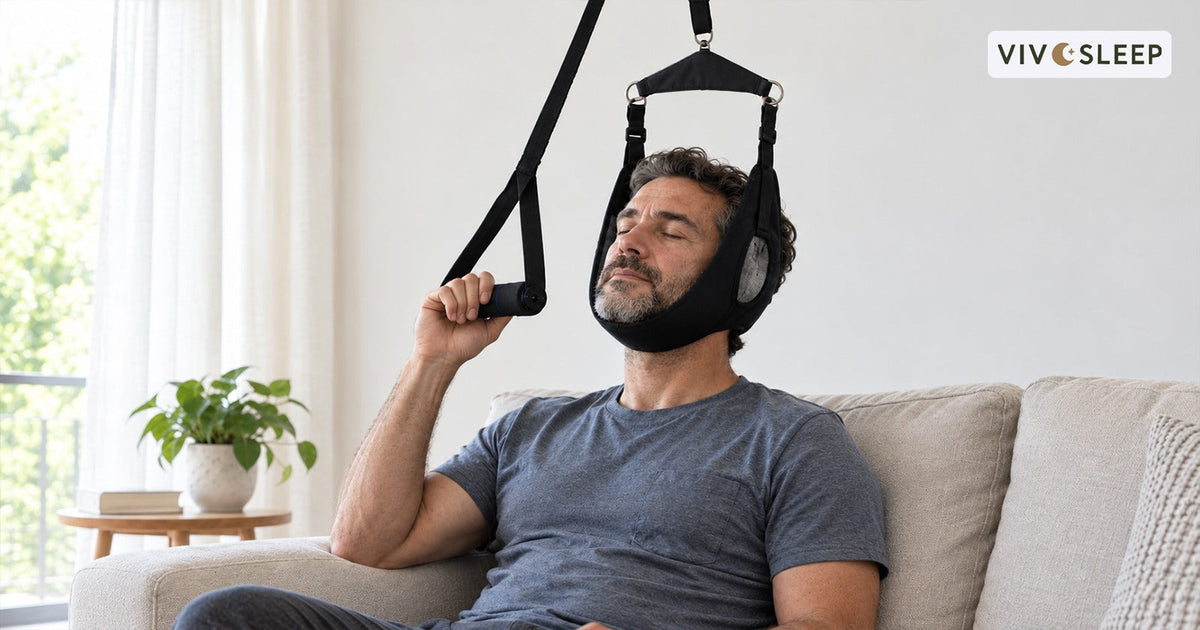
Depending on the device and the user, a cervical neck stretcher may give a slight stretch. It is not a replacement for medical treatment, and traction devices are not appropriate for all people.
If you have a known neck condition, nerve symptoms or a recent injury, get professional advice before use.
Percussion Massagers
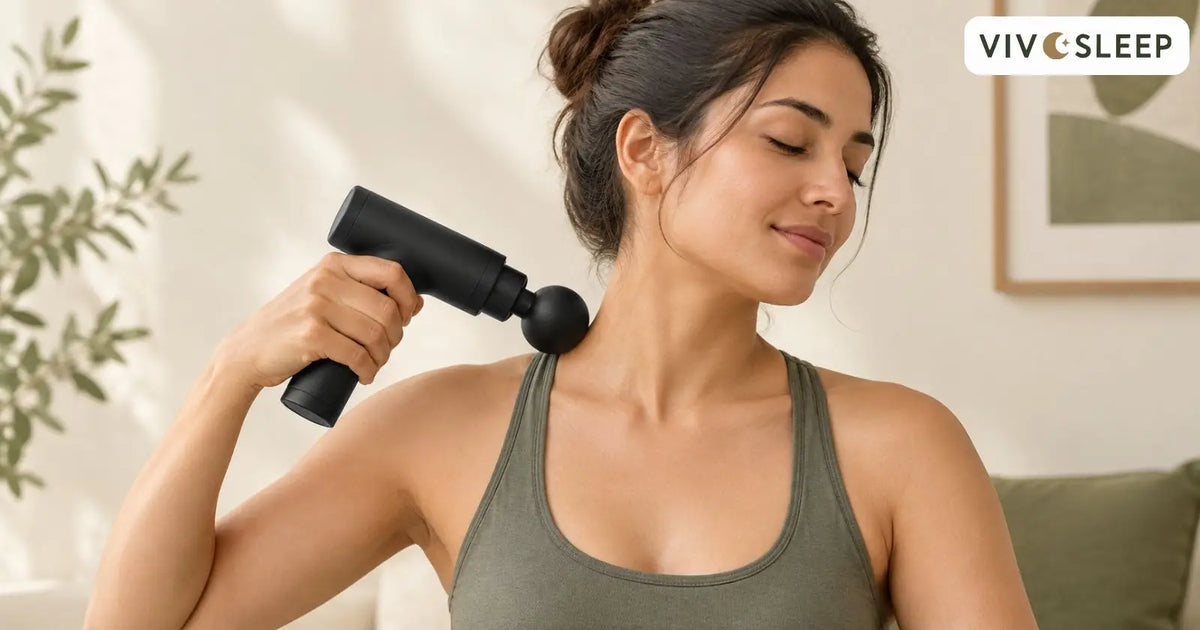
A percussion massager can offer some relief if it is used in a gentle manner on the appropriate muscles of the upper back and shoulder. Avoid using a massage gun on the front, sides of the neck, cervical spine, or close to blood vessels. Discontinue if pain, dizziness, tingling, or other unusual symptoms occur. Before using one around the neck and shoulders, understand the recommended techniques and precautions for massage gun use in these areas.
When to See a Professional for Neck Pain
Most sofa-related stiffness eases within a few days once you change your setup and move more. Some symptoms need a professional assessment rather than more self-care. Mayo Clinic advises contacting a healthcare professional if neck pain gets worse despite self-care, lasts several weeks, spreads down the arms or legs, or comes with headache, weakness, numbness, or tingling. It recommends emergency care for severe neck pain after a traumatic injury, with muscle weakness, or with a fever.
Do not assume every symptom comes from posture. A clinician or physical therapist can identify the cause and advise on suitable care, including whether a traction device or massage tool is appropriate for you.
How VivoSleep Supports Neck Comfort for Remote Workers
If you spend long hours sitting at your desk or on the sofa, your neck is often the first place you feel it. VivoSleep focuses on simple habits and comfort products that fit into a work-from-home routine. Making minor adjustments, like elevating your view and supporting your lower back, can improve your setup.
Some people like to move around after work or just relax. The VivoSleep cervical neck stretcher and the Vivo mini massage gun may provide further comfort for the individual depending on their needs and existing neck condition. Take care in selecting products and following their directions, including any safety directions.
These aids should be used in conjunction with the usual breaks for movement, a supportive workstation, and sufficient rest. A few consistent things can be done all day to pay more attention to your neck comfort.
Final Verdict: Sofa Work Needs Better Setup, Movement, and Recovery
Working from the sofa is fine for short periods, but a low screen and an unsupported body cause problems when sessions run long. The extra height of the screen, an external keyboard, a firm back cushion, and a stable foot position can help to minimize unnecessary neck bending. Do not stay in the same position for long periods of time and move from sitting to standing or walking from time to time.
After work, gentle movement, warmth, and rest may be of benefit to relieve temporary stiffness. Avoid excessive stretching or relying on support products to replace proper daily care. If the pain doesn't go away, spreads down the arm, follows a previous injury, or is accompanied by numbness and weakness, consult a professional.
Frequently Asked Questions
Is Working From the Sofa Bad for Your Neck?
Not automatically. The problems come from a low screen, a rounded back, unsupported arms, and long sessions without movement. Fix those four things, and occasional sofa work is usually fine.
How Should I Sit on a Sofa With a Laptop?
Sit back with a firm cushion behind your lower back, keep both feet supported, raise the laptop on a lap desk or stand so the screen sits closer to eye level, and use a separate keyboard and mouse so your elbows stay close to your body.
How Often Should I Move When Working From the Sofa?
Change position at least every 20 to 30 minutes. Stand for calls, walk between tasks, and switch to a table for long typing sessions. Movement matters more than holding one perfect posture.
Can a Neck Stretcher or Massage Gun Fix Neck Pain From Sofa Work?
No. They may ease temporary tightness for some people, but they do not correct a poor setup or replace medical assessment. Fix the screen height and seating first, and seek advice before using either device if you have an existing neck condition.